
Need Answers to Past Papers?
Get accurate answers for KCPE, KCSE, CDACC, KPSEA, KNEC, Edexcel, and more exams. Contact us now for quick help!
Contact Us on WhatsAppPAY ATTENTION: JOIN US ON WHATSAPP TO ACCESS RECENT PASTPAPERS & NOTES
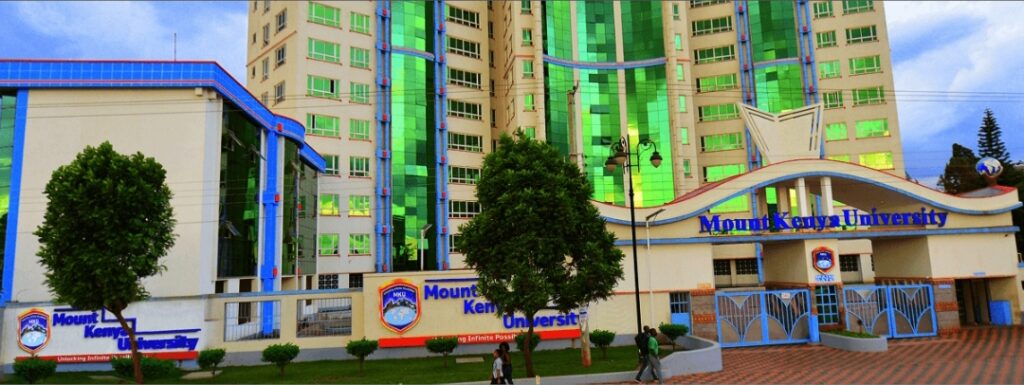
Mount Kenya University Student Portal – Login, Registration & Results
Official Portal: studentportal.mku.ac.ke
📢 Update 2026: MKU has expanded its portal to support students at all 14 campuses and constituent colleges. The portal now integrates with the university’s e-learning management system.
What is the Mount Kenya University Student Portal?
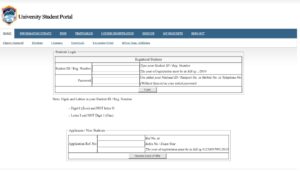
The Mount Kenya University student portal at studentportal.mku.ac.ke is the official Student Management Information System (SMIS) for all MKU students. It provides a centralized platform for managing all academic and administrative processes online.
Mount Kenya University is one of Kenya’s largest private universities with campuses in Thika, Nairobi, Mombasa, Nakuru, Eldoret, and beyond. The MKU portal is available to over 60,000 students across all campuses and constituent colleges, making it one of the most widely used student portals in the private university sector in Kenya.
Services Available on the MKU Student Portal
- Unit registration – Register for trimester or semester units online.
- Exam results – Check and download official semester results.
- Fee statement – View fee balance, invoices, and payment history.
- Admission letter – Download your MKU admission letter.
- E-learning access – Connect to MKU’s online learning platform.
- Timetable – View academic and examination timetables.
- Transcript application – Request official academic transcripts.
- Clearance – Apply for graduation and course completion clearance.
- Personal profile – Update your contact and personal details.
How to Register on the MKU Student Portal
- Go to studentportal.mku.ac.ke.
- Click on “New Student Registration” or “Sign Up”.
- Enter your Admission Number from your MKU admission letter.
- Provide your National ID number and date of birth for verification.
- Enter a valid email address and mobile number.
- Create a strong password and confirm it.
- Submit and activate your account via the email confirmation link.
How to Login to the Mount Kenya University Student Portal
- Visit studentportal.mku.ac.ke.
- Enter your Admission Number as the username.
- Enter your password.
- Click “Login” to proceed to your student dashboard.
- Select the service you need from the dashboard menu — results, fees, registration, etc.
Forgot Password – Reset MKU Portal Password
- Go to studentportal.mku.ac.ke and click “Forgot Password”.
- Enter your Admission Number and registered email address.
- Check your inbox for the reset link from MKU.
- Follow the link to set a new password.
- Log in with your new credentials.
For assistance, contact the MKU ICT department at ict@mku.ac.ke or visit any campus ICT office.
Common Issues & Fixes
- Cannot log in: Ensure your admission number is in the correct format. Contact your campus registry for the exact format used.
- Results not visible: MKU uploads results after Academic Board review. Check the MKU social media pages for result release announcements.
- Fee payment not reflecting: MPESA payments take 24–48 hours. Contact the Finance Department with your proof of payment if unresolved.
- Registration blocked: Fee clearance requirements must be met before unit registration. Pay the minimum required fee first.
- Portal slow on mobile: Request the desktop version of the site or use the MKU mobile app for a smoother experience.
Important Links – Mount Kenya University
| Resource | Link |
|---|---|
| MKU Student Portal | studentportal.mku.ac.ke |
| MKU Main Website | www.mku.ac.ke |
| HELB Portal | helb.co.ke |
| KUCCPS Portal | students.kuccps.net |
FAQs – Mount Kenya University Student Portal
1. What is the official MKU student portal URL?
The official portal is at studentportal.mku.ac.ke.
2. Does MKU use a semester or trimester system?
MKU primarily uses a trimester system with three trimesters per academic year — September, January, and May intakes.
3. Can students from all MKU campuses use the same portal?
Yes. All MKU students including those at Thika, Nairobi, Mombasa, Nakuru, and other campuses use studentportal.mku.ac.ke.
4. How do I check my MKU exam results?
Log in to the portal, navigate to “Examinations” → “View Results”, and select the relevant trimester to see your grades.
5. What is the MKU MPESA paybill for fee payment?
The MKU MPESA paybill and account number format (your admission number) are available in the fee details section on your portal dashboard or the MKU website.
6. Is there an MKU mobile app for the student portal?
Yes. Mount Kenya University has a mobile application available on Android and iOS that gives students quick access to results, fee statements, and registration status.
PAY ATTENTION: JOIN US ON WHATSAPP TO ACCESS RECENT PASTPAPERS & NOTES